Best Practices for Signing Up on Unknown Websites

Temp-Mail.app Team
4/28/2026
Signing up on an unfamiliar website is not always risky, but it does deserve a pause. A new product, community, download page, beta tool, or research resource may be perfectly legitimate. It may also be poorly maintained, aggressive with marketing, unclear about data use, or designed to collect personal information.
The goal is not to avoid every new website. The goal is to share the right amount of information for the level of trust you have. Your real email address is part of your online identity, so it should not be handed to every form by default.
At temp-mail.app, we position temporary email as a privacy, spam protection, online safety, and developer testing tool. It can help with low-risk, short-term interactions, but it should not be used for fraud, abuse, ban evasion, misleading accounts, or services that require long-term access.
This guide gives you a practical checklist for signing up on unknown websites without overexposing your inbox or personal data.
Start with basic trust signals
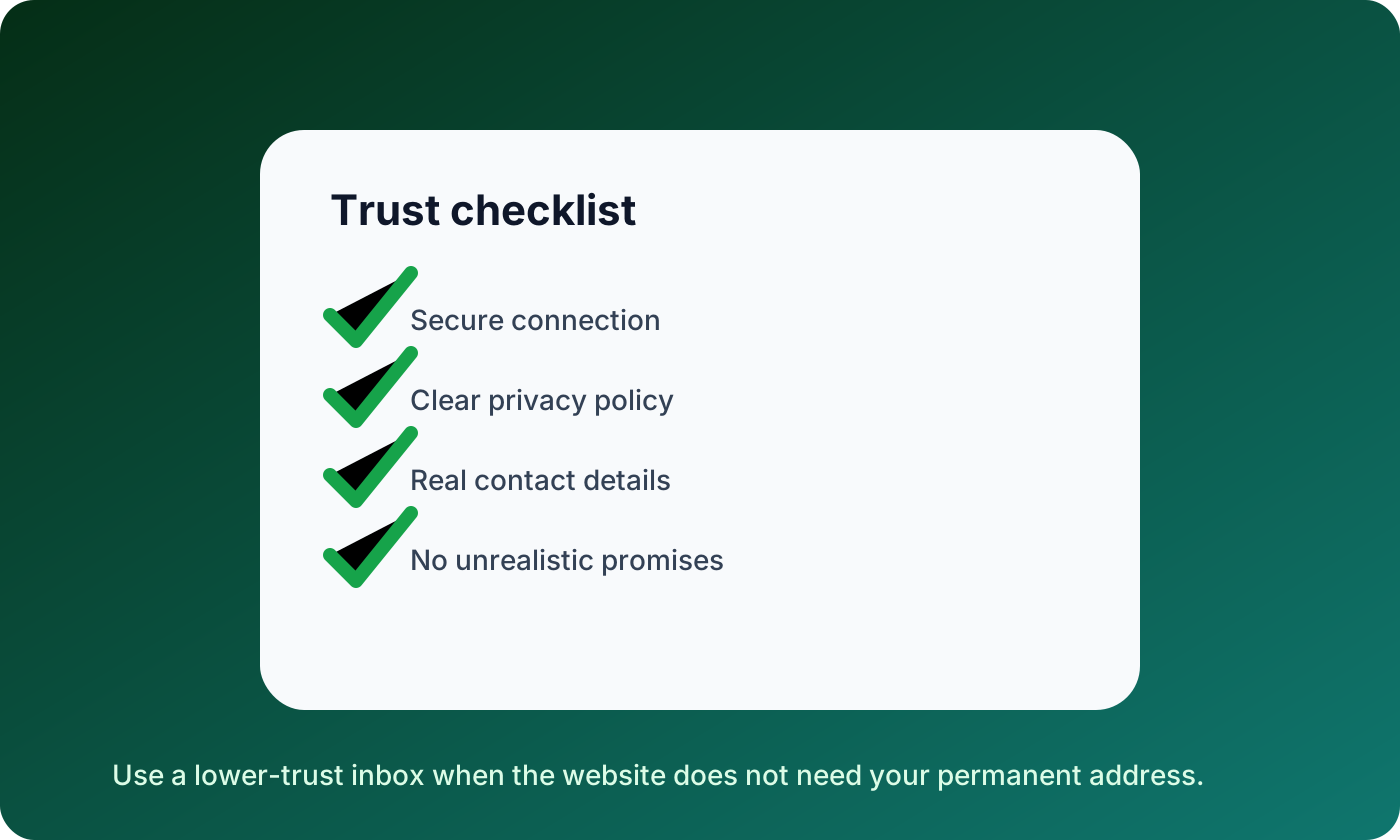
Before entering any email address, look for signs that the website is operated responsibly. None of these signals guarantees safety, but missing several of them is a reason to slow down.
Check whether the site has:
- A secure HTTPS connection
- A clear privacy policy and terms page
- Real contact information or a support channel
- A recognizable company, product, or creator name
- Reasonable claims that do not sound too good to be true
- A signup form that asks only for information it actually needs
- A way to delete or manage your account later
If a website asks for your phone number, birthday, payment details, or workplace information just to access a simple resource, consider whether the exchange is fair.
Decide what kind of inbox the site deserves
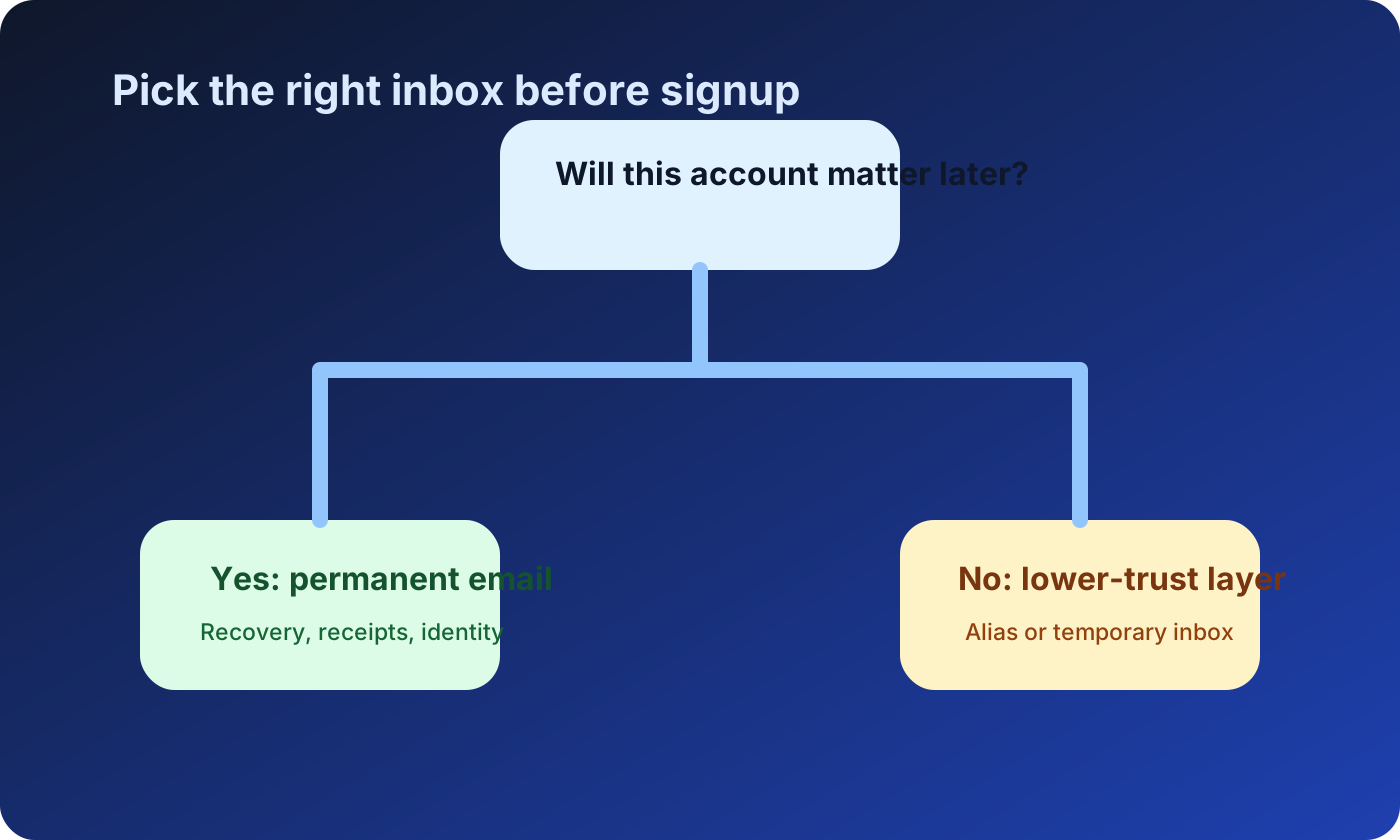
Not every signup deserves your primary email. The right choice depends on what the account is for and whether you will need it later.
Use your permanent email when the account involves:
- Payments, receipts, refunds, or warranties
- Work, healthcare, finance, or identity
- Long-term subscriptions you care about
- Security alerts or password recovery
- Services you expect to use regularly
Use an alias, separate inbox, or temporary email when the interaction is low-risk and short-lived. Examples include testing a demo, evaluating a tool, downloading a non-sensitive resource, or checking whether a website sends a confirmation email correctly.
A simple question helps: if you lose access to this inbox tomorrow, would it matter? If yes, use a stable email address you control.
Read the form before you submit it
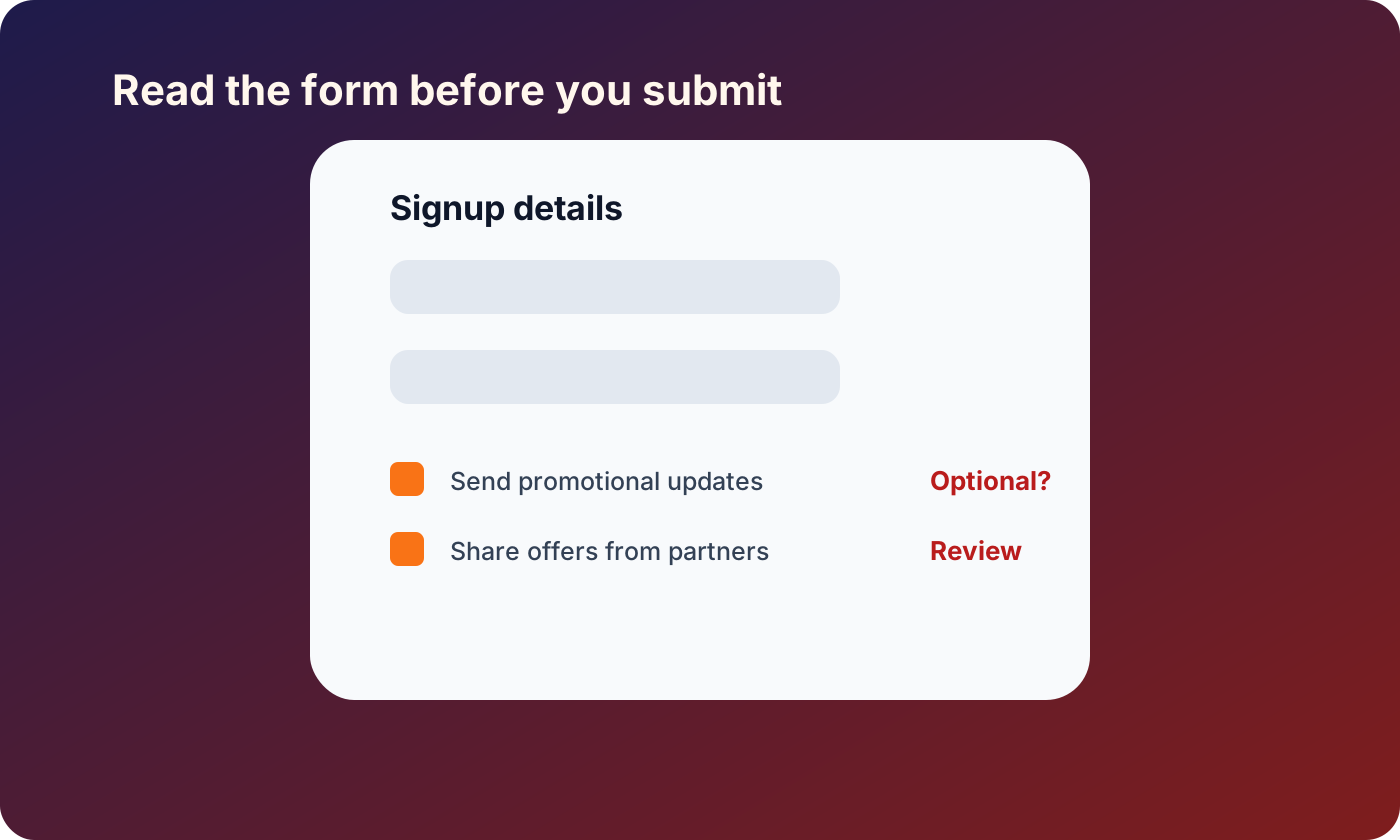
Signup forms often reveal how a website thinks about user data. A thoughtful form asks for only what is needed. A poor form asks for extra details, pre-checks marketing boxes, or hides consent inside vague language.
Before submitting, review:
- Which fields are required and which are optional
- Whether marketing consent is pre-selected
- Whether partner emails or third-party sharing are mentioned
- Whether the site asks for sensitive details too early
- Whether the form explains why it needs each piece of data
If the website only needs to send one message, it probably does not need your full name, phone number, company size, job title, and permanent email address.
Use temporary email only for the right situations
Temporary email is useful when the interaction is limited and low-stakes. It helps keep your main inbox away from websites that may send follow-up campaigns, sell lists, or suffer future data leaks.
Good uses include:
- Testing your own signup or email delivery flow
- Trying a product before deciding whether to create a real account
- Receiving a one-time message for a low-risk resource
- Keeping promotional follow-up away from your personal inbox
- Separating research activity from important accounts
Bad uses include anything involving money, identity, official records, workplace systems, long-term recovery, abuse, impersonation, or attempts to bypass a site's rules. If the website has a legitimate reason to require a stable email address, use one.
For more on this boundary, read How to Avoid Sharing Your Real Email Address Online.
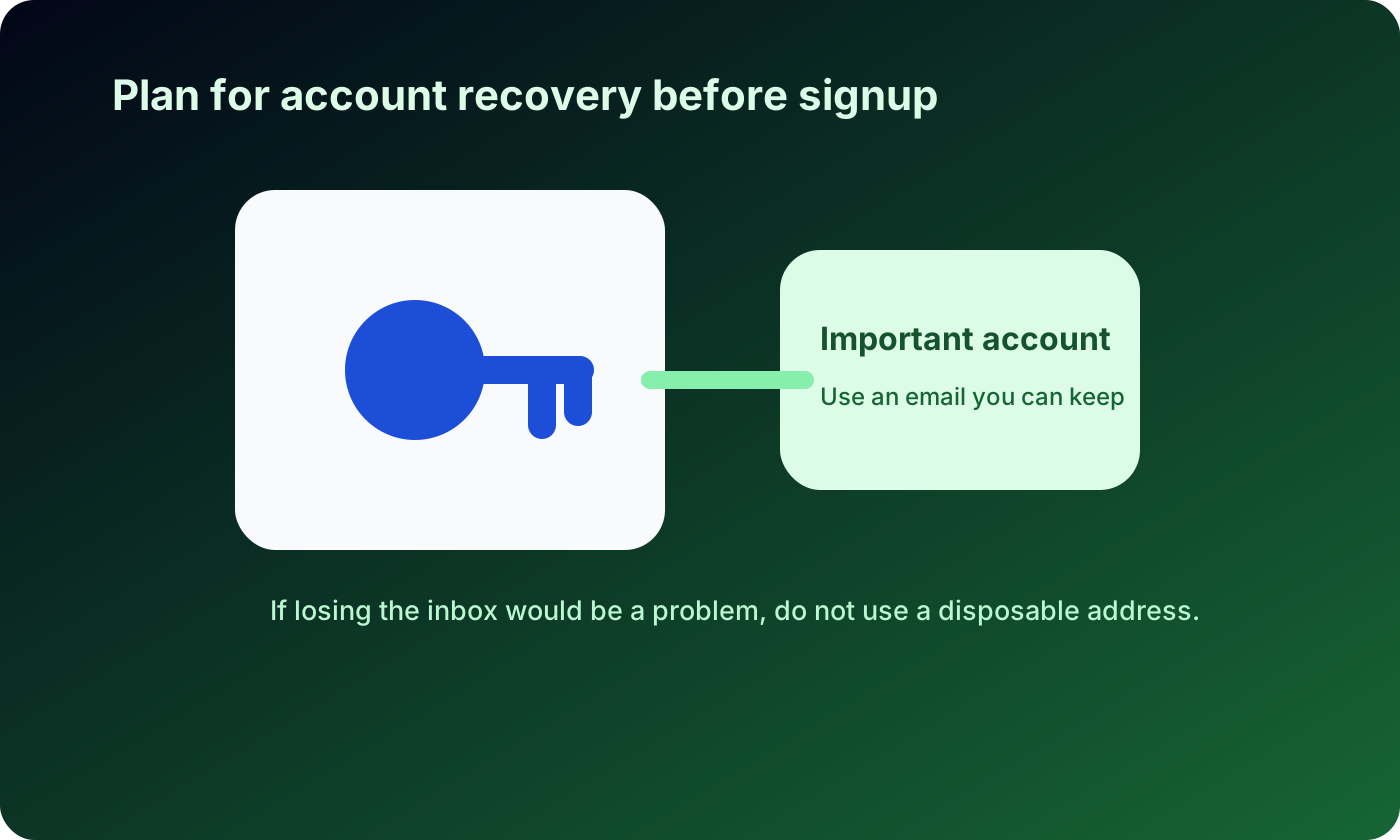
Protect account recovery before you create the account
Many people think about recovery only after something goes wrong. That is too late. If an account may matter later, the email address you use becomes part of your security model.
Use a reliable inbox for accounts that may need:
- Password resets
- Device verification
- Security alerts
- Receipts or billing history
- Support replies
- Identity confirmation
Temporary inboxes are not archives. They are not designed to hold important messages months later. If future access matters, choose a permanent address and secure it with a strong password and two-factor authentication.
Be cautious with unknown email links after signup
The first email from a new website is not always harmless. Confirmation links, welcome emails, and downloads can include tracking or redirect through unfamiliar domains.
When you receive the first message:
- Confirm the sender domain matches the website
- Avoid opening unexpected attachments
- Do not enter passwords on pages reached through suspicious links
- Use your browser or password manager to visit important websites directly
- Be careful with urgent language or unrealistic offers
If the signup was only for research or a low-risk resource, do not let that first email become the start of a long chain of unnecessary engagement.
Keep developer and QA testing separate
Temporary email is especially useful for developers and QA teams testing their own systems. A fresh inbox can help verify signup confirmation, magic links, onboarding messages, and password reset flows.
Responsible testing means:
- Use temporary inboxes only in authorized test environments
- Do not send private customer data to temporary addresses
- Keep test users separate from real users
- Clean up test accounts when the test is finished
- Avoid using testing tools to interact with services you do not control
This keeps temporary email aligned with legitimate development work instead of abusive behavior.
Build a repeatable signup routine
A good routine should be simple enough to use every time:
- Check basic trust signals.
- Decide whether the account matters long term.
- Choose the right inbox: primary, alias, separate inbox, or temporary email.
- Review optional fields and marketing checkboxes.
- Save important account details in a password manager.
- Stop if the site asks for more information than the task justifies.
This routine protects your privacy without making normal browsing difficult.
FAQ
Is it safe to sign up on unknown websites?
It can be safe if the website has reasonable trust signals, asks only for necessary information, and does not require sensitive data for a low-value task. If you are unsure, use a lower-trust email layer or skip the signup.
Should I use my real email on a website I do not know?
Only if the account matters and you trust the website enough for long-term access or recovery. For low-risk research, demos, or one-time resources, an alias or temporary inbox may be more appropriate.
Can temporary email protect me from spam?
It can keep spam away from your primary inbox for low-risk, short-term interactions. It does not replace a permanent email for important accounts or services that require recovery.
What is the biggest mistake people make during signup?
The biggest mistake is treating every form as equally trustworthy. A newsletter download, a bank account, and a work tool should not all receive the same email address and personal information.
How do I know when to stop a signup?
Stop when the site asks for unnecessary sensitive data, hides consent, lacks basic trust signals, makes unrealistic promises, or pressures you to act quickly.
Disclaimer
This article is for general online safety and privacy education. Temporary email should be used responsibly for legitimate privacy protection, spam reduction, and authorized testing. Do not use it for fraud, abuse, impersonation, evading platform rules, bypassing bans, or creating accounts that require verified identity or long-term access.