Best Practices for Testing Email-Based Authentication

Temp-Mail.app Team
5/7/2026
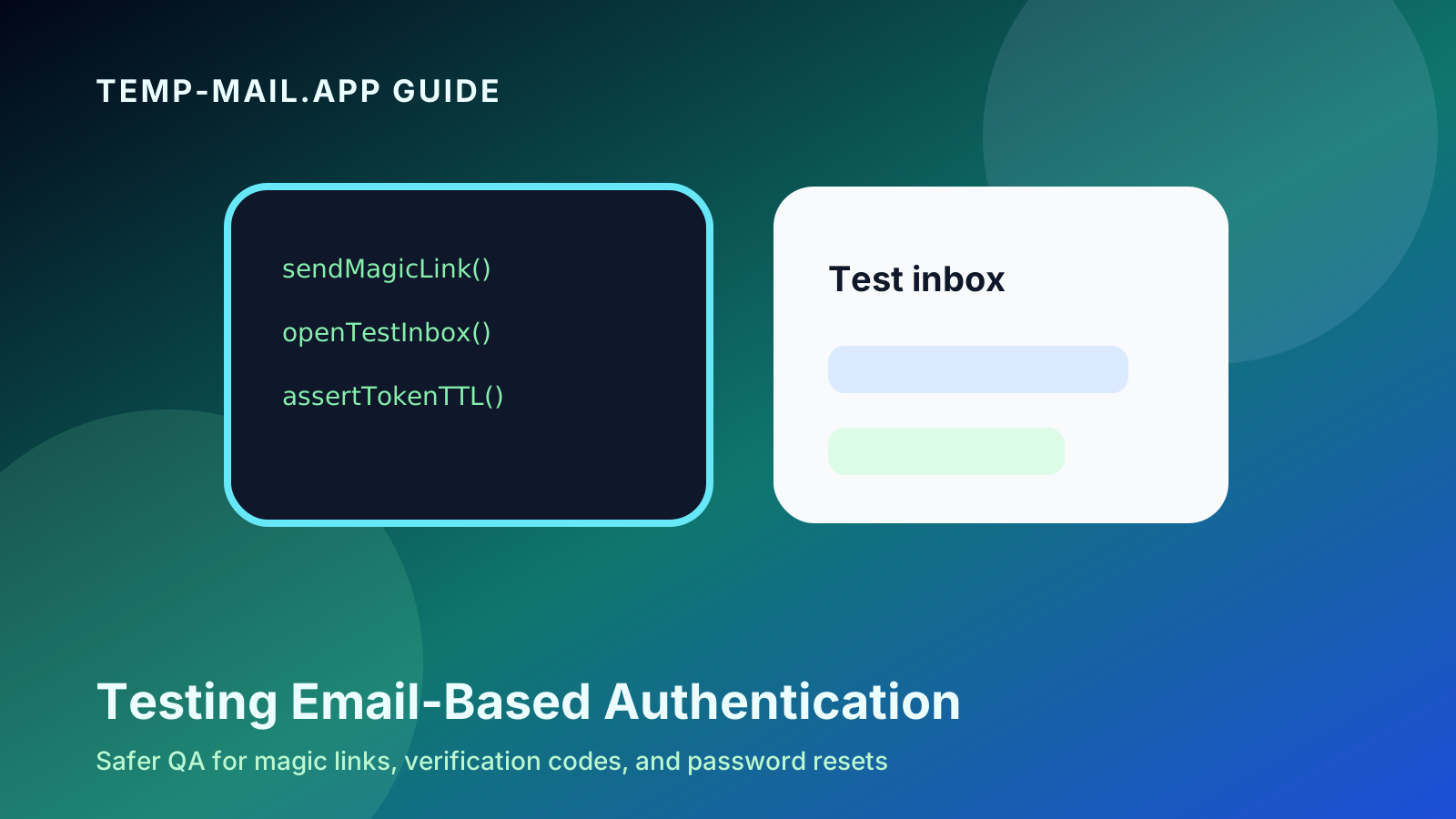
Email-based authentication is convenient for users, but it can be tricky to test well. Signup verification, magic links, one-time codes, password resets, and email change confirmations all depend on delivery, token behavior, security rules, and user experience.
A test that only checks whether an email was sent is not enough. You also need to verify what happens when the email is delayed, opened twice, expired, forwarded, requested repeatedly, or used after the account state changes.
At temp-mail.app, temporary email is positioned as a privacy and developer testing tool. It can help QA teams validate email flows in authorized environments. It should not be used to attack services, bypass rules, create abusive accounts, or interact with systems you do not control.
This guide covers practical best practices for testing email-based authentication safely and thoroughly.
Define the flows you need to test
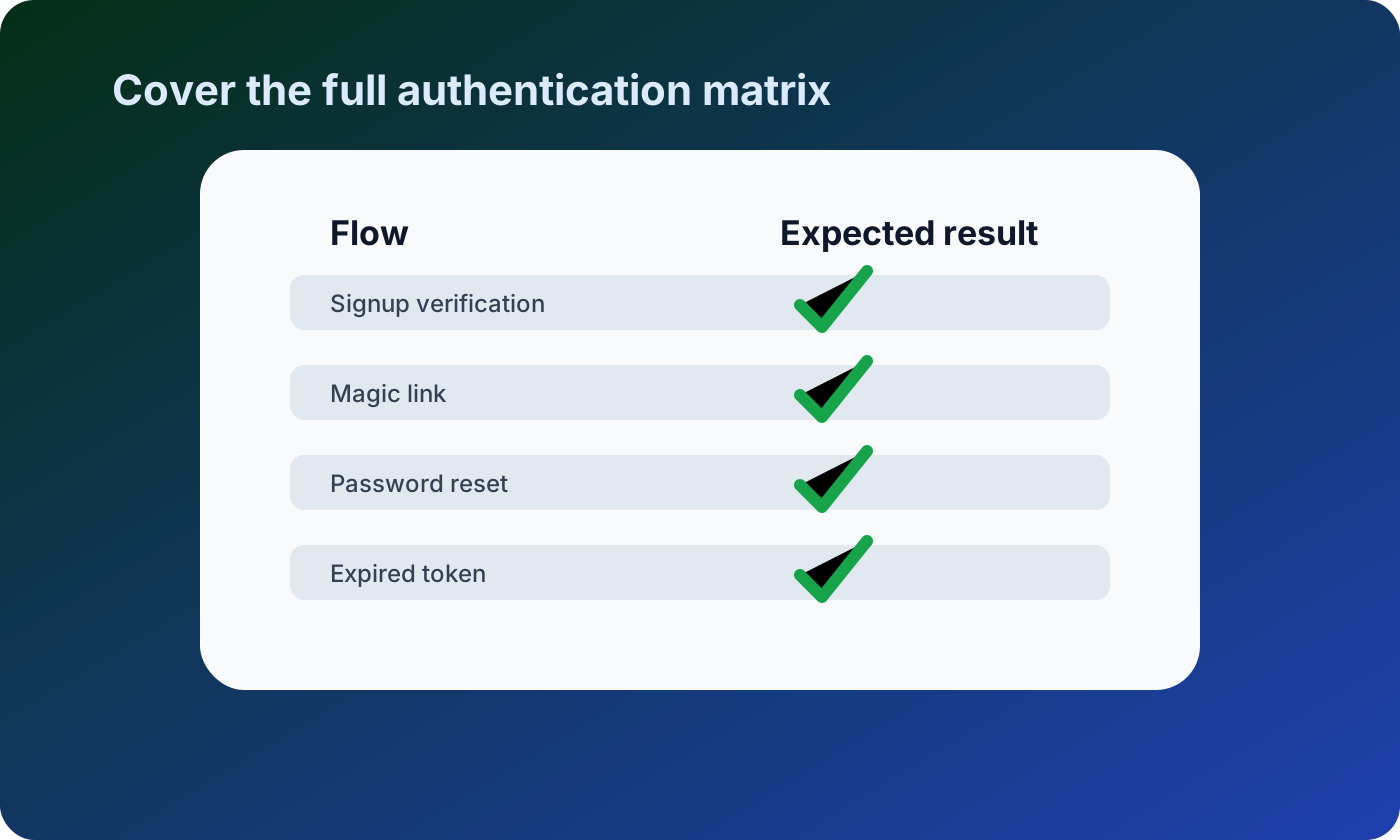
Start by listing every flow that depends on email. Most products have more email authentication paths than teams first realize.
Common flows include:
- Signup email verification
- Magic-link login
- One-time login codes
- Password reset links
- Email address change confirmation
- Account invitation emails
- Device or location verification
- Recovery email notifications
For each flow, define the expected result, the token lifetime, whether the link is single-use, and what the user should see after success or failure.
Keep test inboxes separate from real users
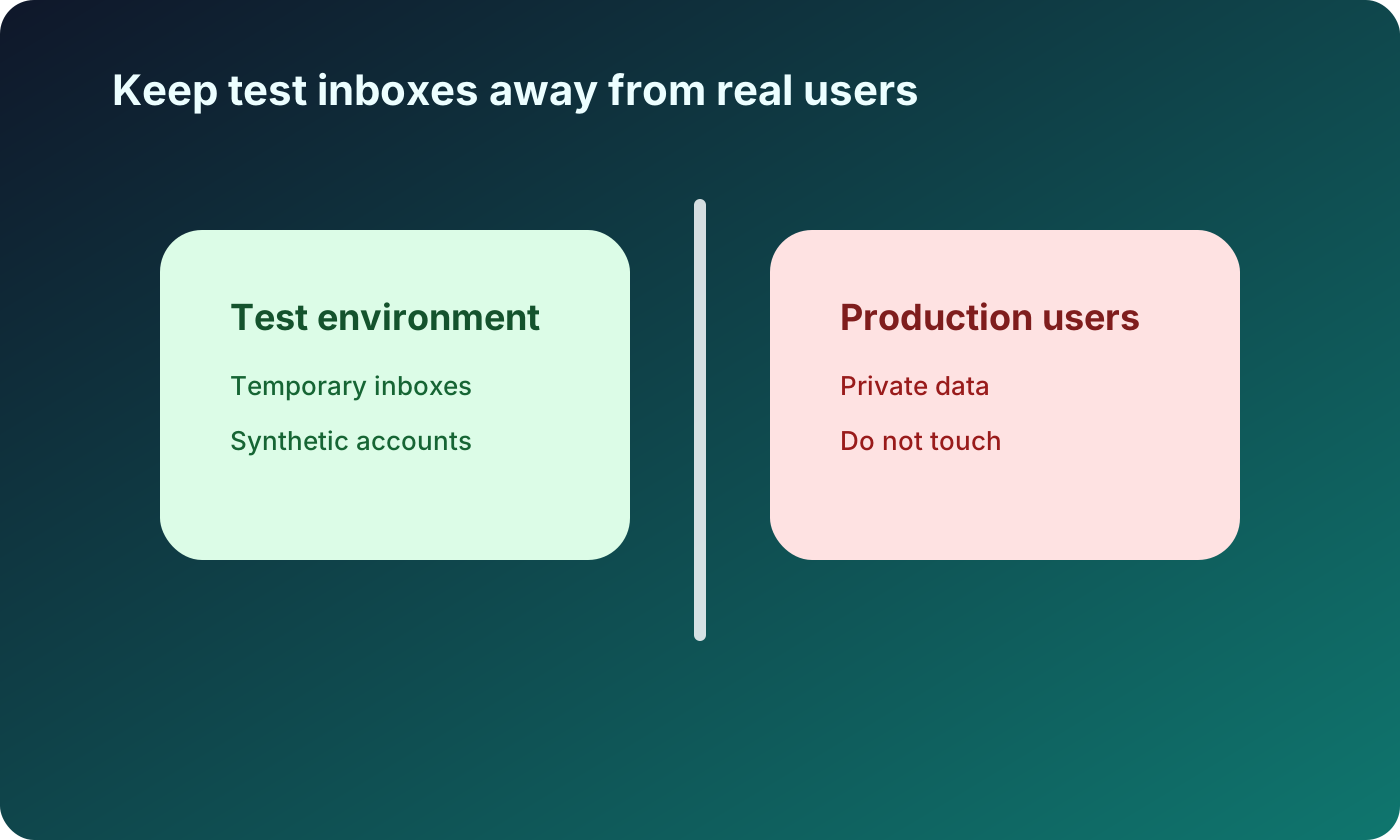
Authentication testing should never depend on real customer inboxes. Use synthetic accounts, controlled domains, staging environments, and temporary inboxes where appropriate.
Good separation reduces risk:
- No private customer data enters test inboxes
- Test users do not pollute production analytics
- QA can repeat flows without affecting real accounts
- Failed tests do not trigger customer-facing security alerts
- Cleanup is easier after each test run
Temporary inboxes can be useful for manual QA and exploratory testing, especially when you need fresh addresses quickly. For automated tests, use a controlled test mail provider, local mail catcher, or dedicated testing infrastructure when possible.
Test token behavior, not just delivery
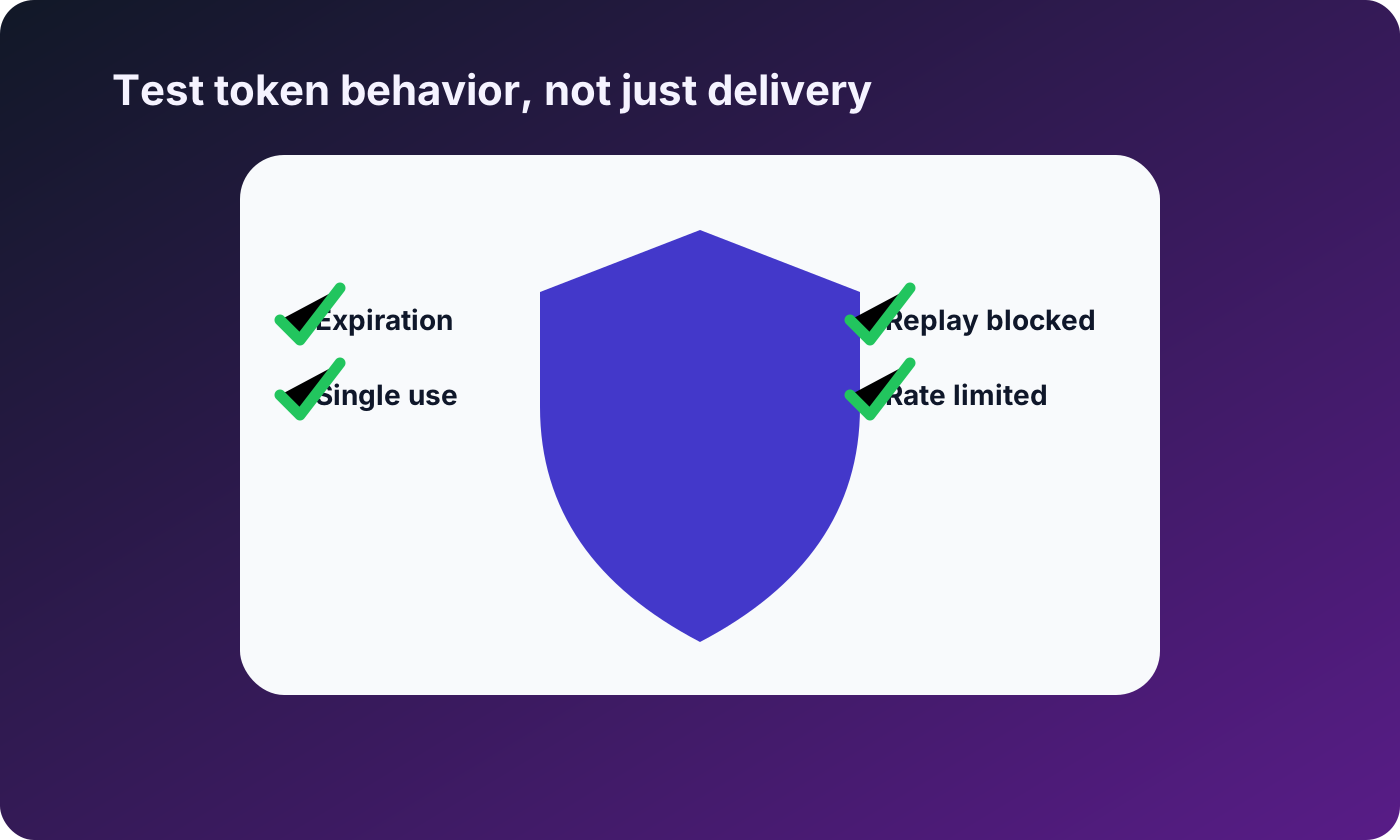
A secure authentication email is more than a delivered message. The token or code inside the email must behave correctly.
Verify that tokens are:
- Time-limited
- Single-use when required
- Bound to the correct user and purpose
- Invalidated after password changes or email changes
- Protected from replay after successful use
- Rate-limited when requested repeatedly
For magic links and password resets, test what happens when a user opens the same link twice. The second attempt should not create a new session or reset the password again.
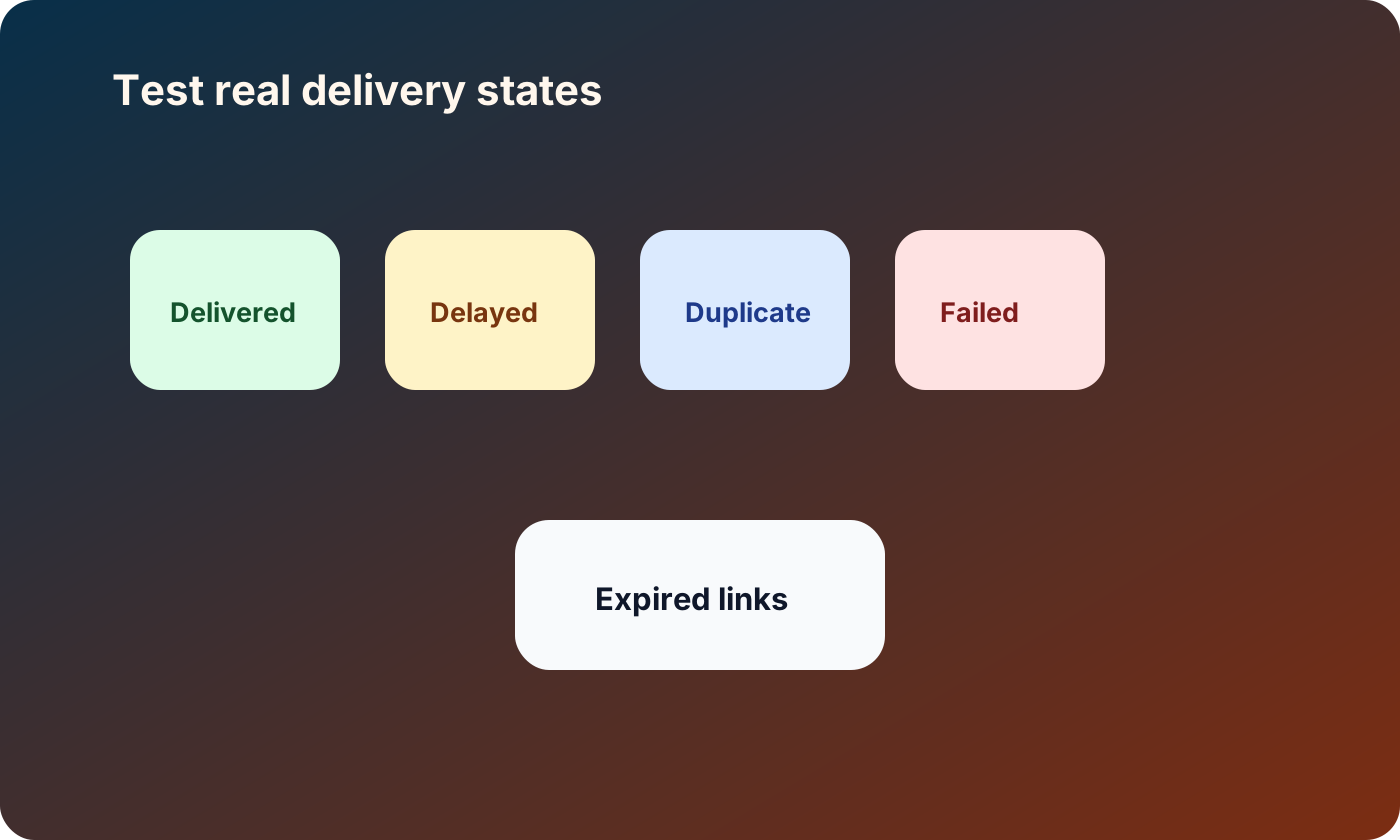
Cover real delivery states
Email delivery is not always instant or clean. Users may receive messages late, receive duplicates, miss the first message, or click an older link after requesting a new one.
Your test plan should cover:
- Delivered successfully
- Delayed delivery
- Duplicate email requests
- Expired links or codes
- Older links after a newer request
- Missing or blocked messages
- User opens link on a different device
- User requests another email too quickly
This is especially important for passwordless login. If multiple links are active at the same time, users may accidentally authenticate with an older message.
Make the user experience clear
Security failures should be understandable. A user who clicks an expired password reset link should not see a generic error page with no next step.
Write clear messages for:
- Link expired
- Code already used
- Newer email was requested
- Too many attempts
- Email address not verified
- Account disabled or unavailable
- Verification succeeded
Good messages reduce support tickets and prevent users from repeatedly clicking resend buttons. They also help QA confirm that the system failed safely.
Test rate limits and resend behavior
Resend buttons are easy to overlook. Without controls, users can trigger too many emails, create confusing duplicate links, or accidentally invalidate the message they just received.
Test whether the system:
- Limits repeated email requests
- Shows a cooldown timer when appropriate
- Invalidates older links when a new one is created
- Communicates which message is valid
- Prevents abuse without blocking legitimate users too aggressively
Rate limits should protect the service and the user experience. They should not silently fail in a way that makes users think the inbox is broken.
Clean up test users and messages
Email authentication tests create users, sessions, tokens, and messages. Without cleanup, staging and production-like environments can become noisy and misleading.
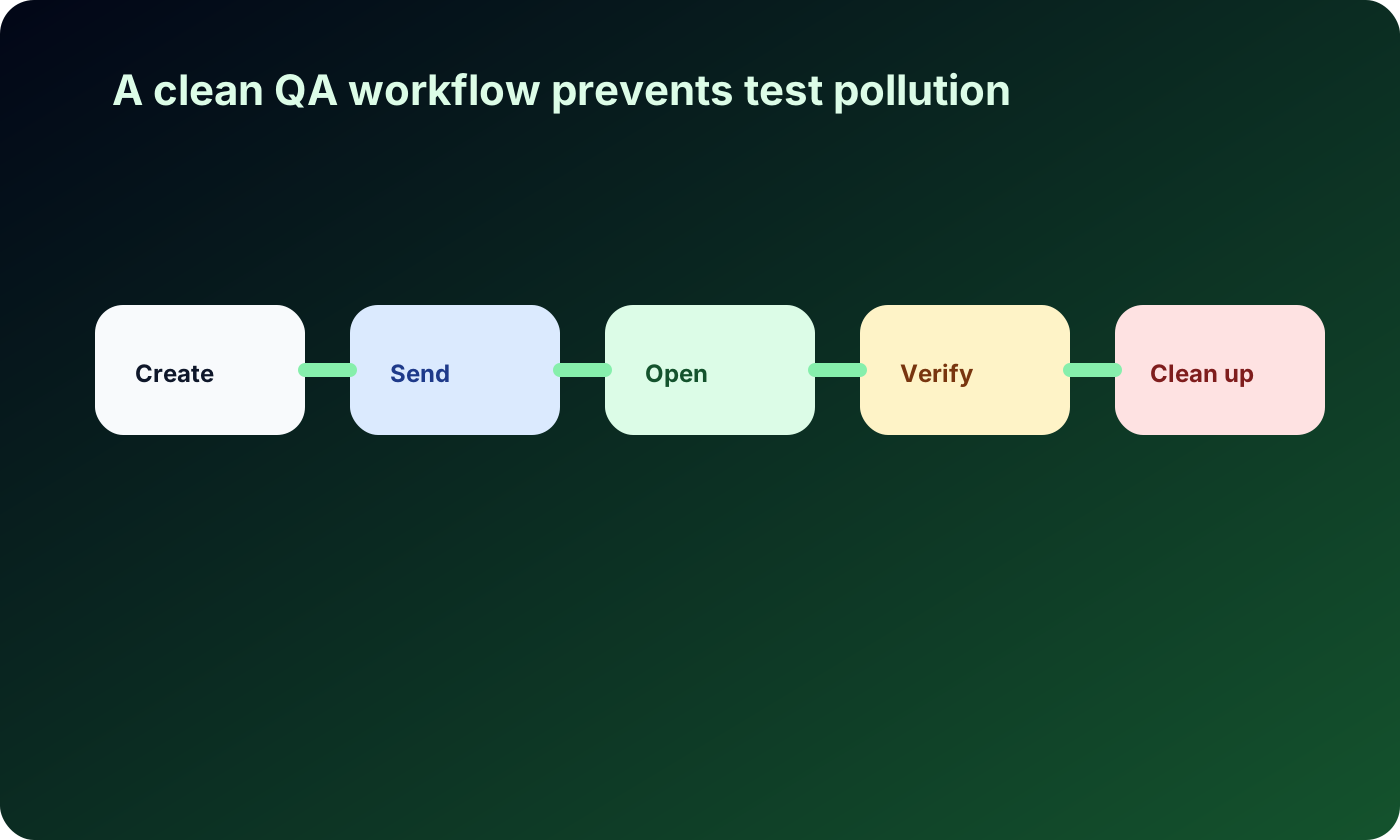
A good QA workflow includes:
- Create a synthetic user.
- Trigger the email flow.
- Open the controlled test inbox.
- Verify the token behavior.
- Confirm the user-facing result.
- Clean up the test user, sessions, and tokens.
For repeated manual tests, document which domains or inbox patterns are safe to use. For automated tests, make cleanup part of the test teardown.
Use temporary email responsibly in QA
Temporary email is useful for authorized testing, but it should stay within clear boundaries. Use it for your own product, staging environment, local development, or systems where you have permission to test.
Do not use temporary inboxes to probe third-party authentication systems, create accounts at scale, evade anti-abuse rules, or bypass platform policies. That is not testing; it is misuse.
For broader guidance on choosing temporary email versus aliases, read Temporary Email vs Email Alias: Which One Should You Use?.
Add observability to email auth flows
Testing is easier when the system records useful events. Logs should help developers understand what happened without exposing secrets.
Track events such as:
- Email requested
- Email provider accepted or rejected the message
- Token created
- Token used successfully
- Token expired
- Token replay attempt blocked
- Rate limit triggered
Never log raw tokens, magic links, or sensitive message contents. Logs should support debugging without becoming a security risk.
FAQ
Can temporary email be used for authentication testing?
Yes, when you are testing your own product or an authorized environment. It is useful for manual QA and fresh test inboxes. It should not be used to test or abuse systems you do not control.
What should I test besides email delivery?
Test token expiration, single-use behavior, replay protection, resend behavior, rate limits, duplicate requests, older links, and clear user-facing error states.
Should automated tests use temporary email?
Sometimes, but dedicated test mail infrastructure is usually better for automation. Temporary inboxes are often more useful for manual QA, exploratory testing, and quick development checks.
How long should magic links be valid?
It depends on your risk model and user experience, but links should be time-limited and protected from replay. High-risk flows should generally have shorter lifetimes and stronger controls.
Should old links stop working after a new email is requested?
Often, yes. If users request a new password reset or magic link, older links should usually be invalidated or clearly handled to avoid confusion and replay risk.
Disclaimer
This article is for developers and QA teams testing systems they own or are authorized to test. Temporary email should be used responsibly for legitimate development and privacy use cases. Do not use it for attacking services, bypassing rules, evading anti-abuse systems, creating abusive accounts, or accessing systems without permission.