How to Protect Your Email Privacy in 2026

Temp-Mail.app Team
4/10/2026
Email is still one of the most important pieces of your online identity. It is used for account creation, password resets, receipts, newsletters, support conversations, work tools, social profiles, and security alerts. That makes your email address useful, but it also makes it easy to over-share.
In 2026, protecting email privacy is not about hiding from the internet. It is about being intentional. You should know which websites deserve your permanent address, which interactions can use a separate alias, and when a temporary inbox is the safer choice for a low-risk task.
At temp-mail.app, we think temporary email is best understood as a privacy and testing tool. It can help reduce inbox clutter, limit exposure during one-time interactions, and support safer development workflows. It should not be used for fraud, abuse, impersonation, bypassing rules, or creating accounts where long-term access matters.
This guide explains how to protect your email privacy in a realistic, responsible way.
Why email privacy matters more than ever
Your email address often connects multiple parts of your life. A single address can reveal your name, employer, region, shopping habits, subscriptions, and the services you use. Once it is sold, leaked, scraped, or shared too widely, the results can be hard to undo.
The goal is not to avoid every email request. The goal is to reduce unnecessary exposure, limit spam, lower phishing risk, and keep important messages separate from noise.
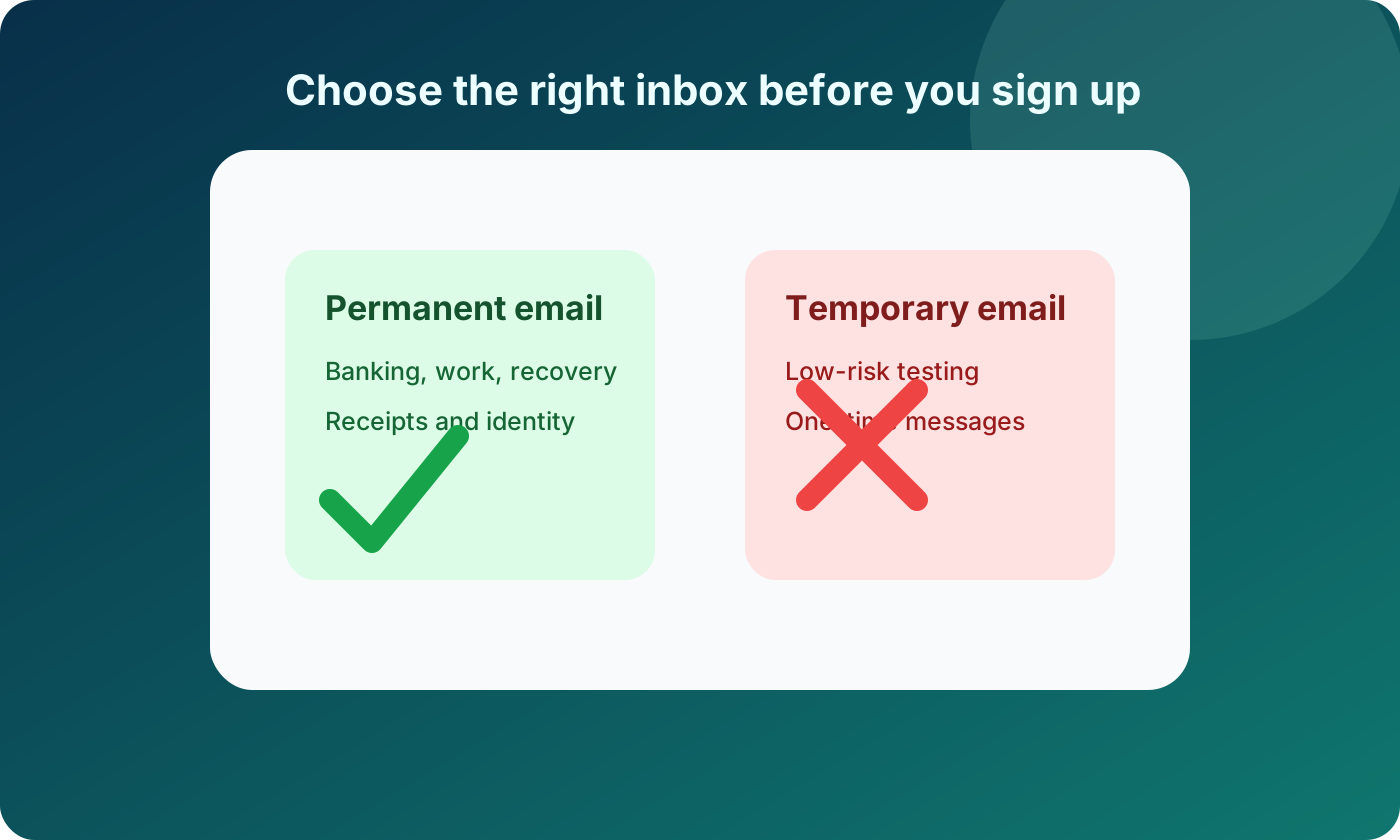
Treat your primary email like a private address
Your main email account should be reserved for things that truly matter. Think of it like a long-term identity document, not a casual signup field.
Use your primary email for:
- Banking, taxes, insurance, and healthcare
- Work accounts and client communication
- Password managers and security services
- Shopping accounts with receipts, returns, and warranties
- Accounts that you may need to recover months or years later
- Services tied to your real identity or legal obligations
Do not use your primary email for every download, webinar, trial, coupon, forum, or product you only want to evaluate once. Those situations create unnecessary exposure and make it harder to keep your real inbox clean.
A simple rule works well: if losing access to the inbox would create a serious problem later, use a permanent address you control.
Use separate email layers for different levels of trust
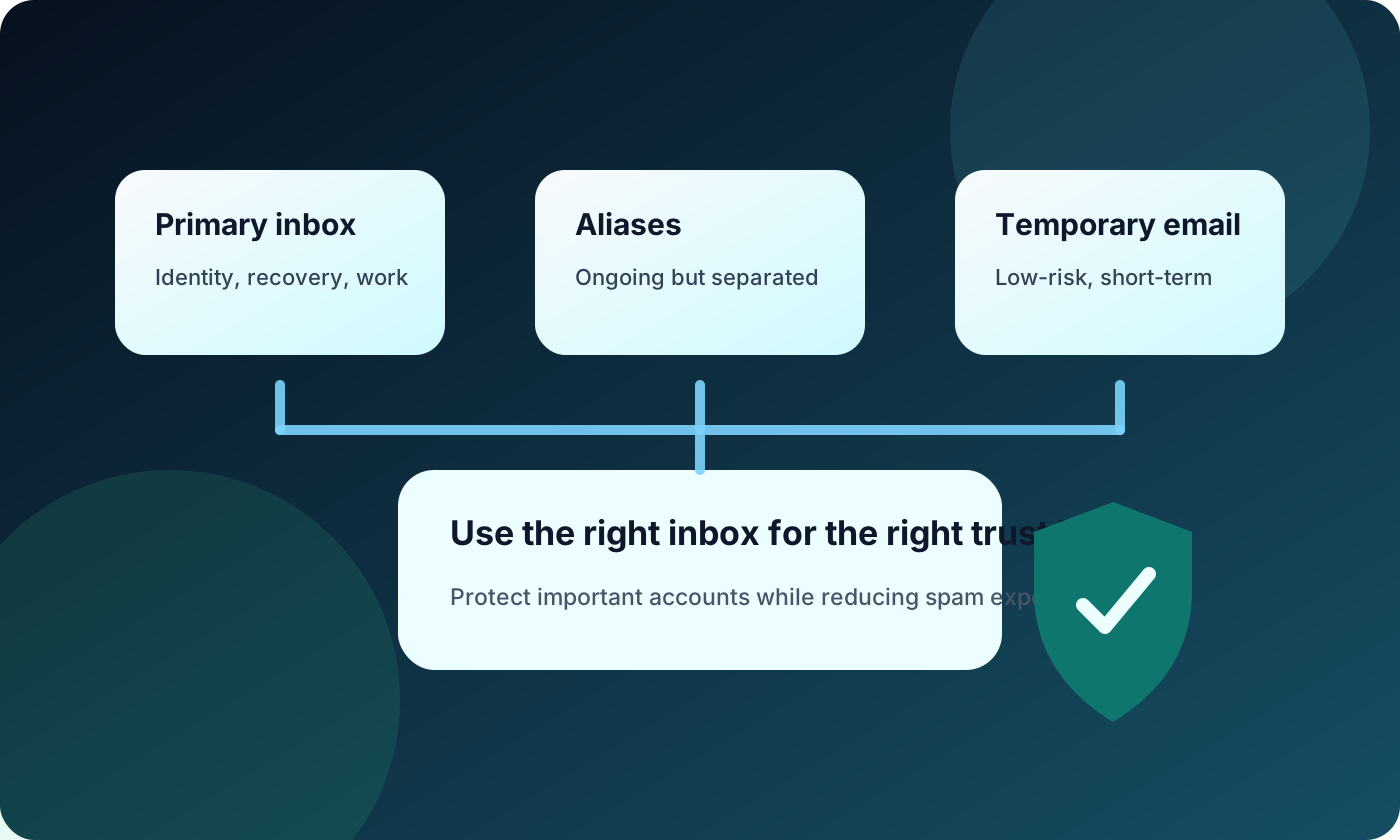
One of the best privacy habits is separating email use by context. You do not need one address for everything.
A practical setup might include:
- A primary email for important accounts
- A shopping email for stores, shipping updates, and receipts
- A newsletter email for publications and product updates
- An alias or masked address for services you want to try
- A temporary email for low-risk, one-time interactions
This approach limits damage. If a newsletter address starts receiving spam, your bank and work inbox are not affected. If a temporary inbox receives a one-time code, your permanent address is never added to that website's marketing database.
The more important the account, the more stable and private the email address should be.
Know when temporary email is appropriate
Temporary email works best when the interaction is short-term and low-risk. It is useful when you only need to receive one message and do not expect a long-term relationship with the website.
Responsible examples include:
- Testing your own signup or passwordless login flow
- Checking whether a website sends a confirmation email correctly
- Downloading a low-risk resource without joining a mailing list forever
- Trying a product demo before deciding whether to create a real account
- Keeping promotional follow-up away from your personal inbox
A temporary inbox is not appropriate for accounts involving money, identity, work, healthcare, purchases, or recovery. It is also not a tool for bypassing platform rules, creating abusive accounts, evading bans, or misleading services.
If the account matters tomorrow, do not build it on a temporary inbox today.
For more prevention-focused advice, read our related guide: How to Stop Spam Emails Before They Reach Your Inbox.
Be careful with email tracking
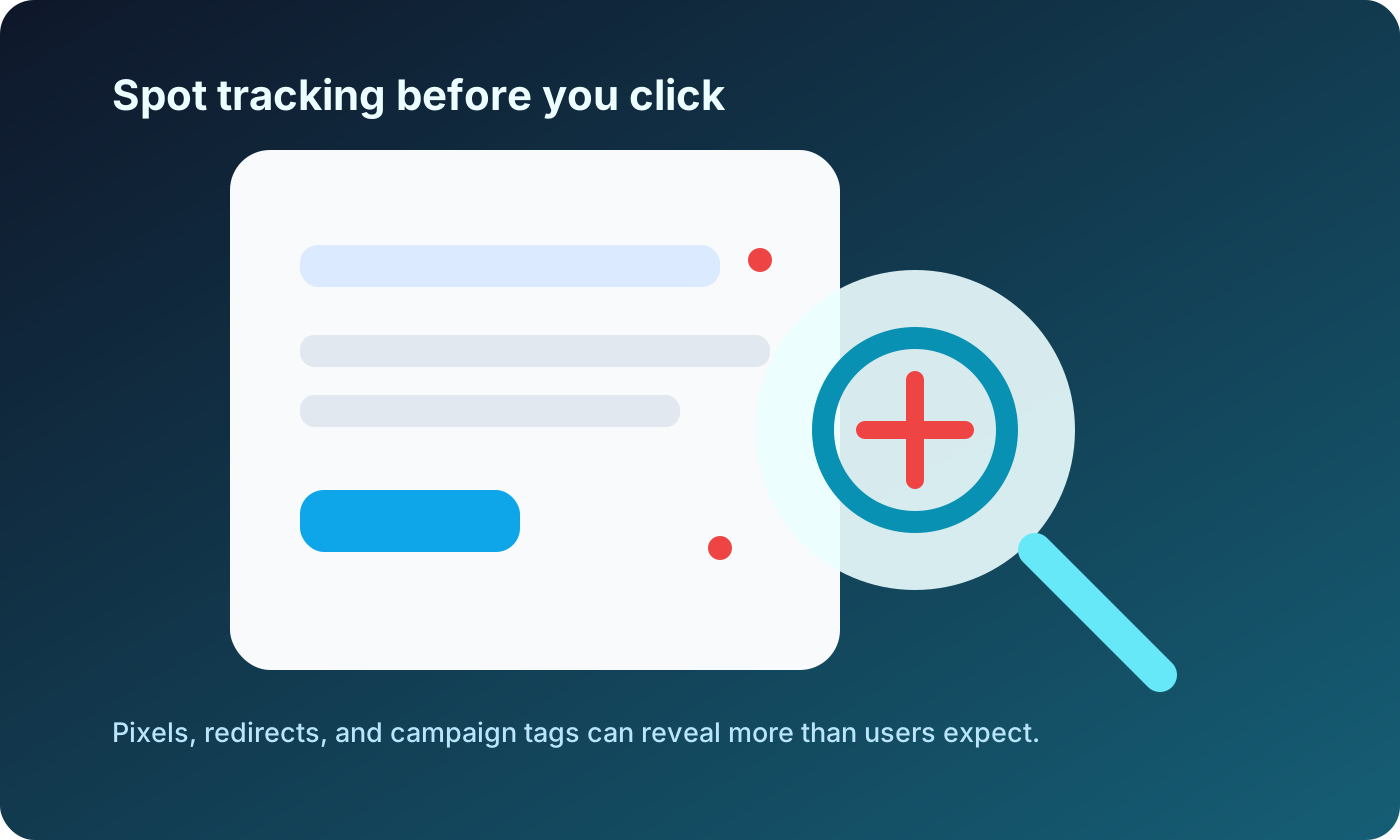
Many marketing emails include tracking pixels, redirect links, campaign identifiers, and engagement tags. These tools can tell senders when you opened a message, which links you clicked, and sometimes which device or approximate region was involved.
To reduce tracking, disable automatic image loading when possible, avoid unnecessary clicks in promotional messages, and use aliases for newsletters or downloads. Not all tracking is malicious, but users should understand how much can be learned from a simple open or click.
Watch for phishing and impersonation
Email privacy is also about safety. Attackers often use email because it is familiar and trusted. A message that looks like a delivery update, invoice, bank alert, or software login can trick users into giving away credentials.
Before you click, check whether the sender domain matches the organization exactly, whether the message is pressuring you to act immediately, and whether the link points to a strange domain. For important accounts, open the website directly from your browser or password manager instead of using email links.
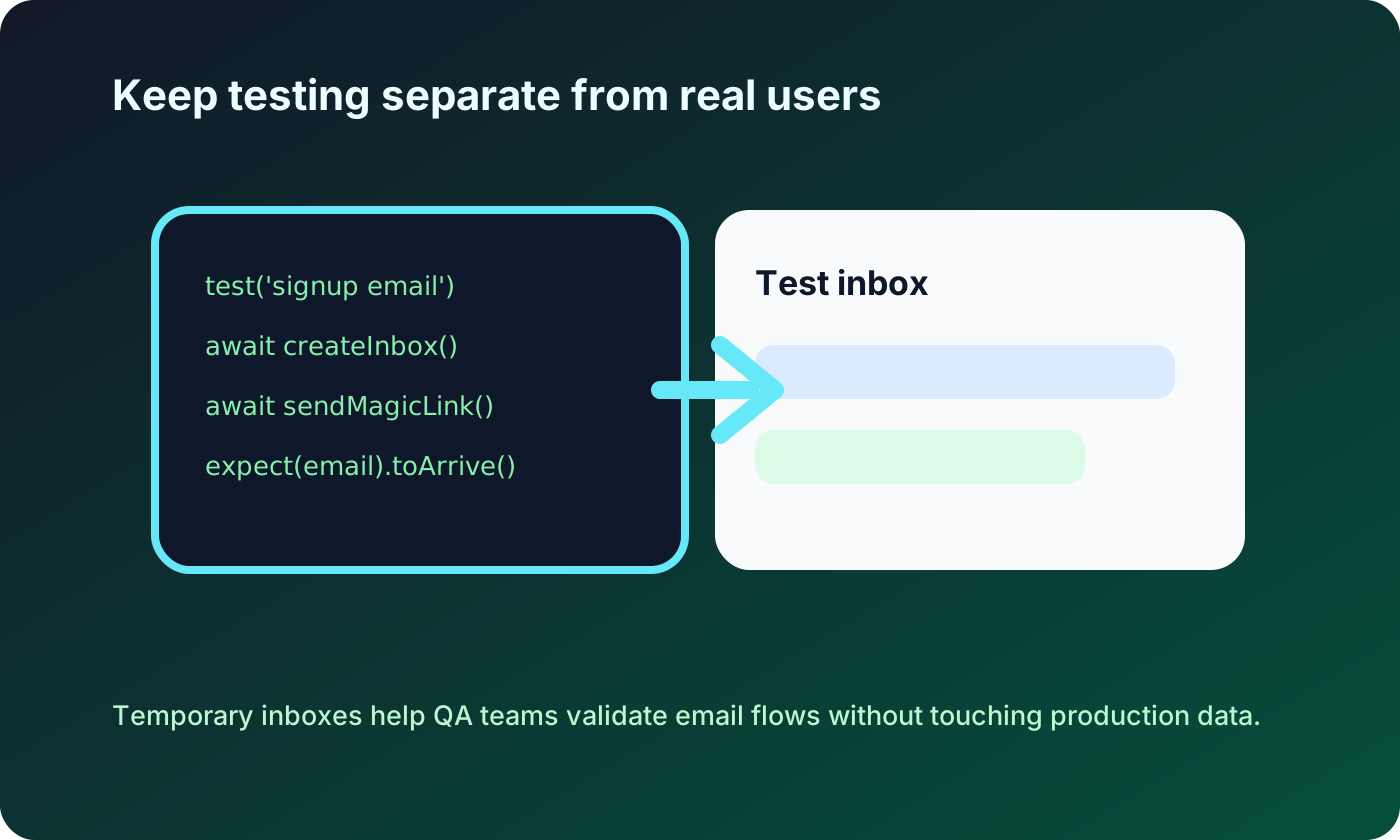
Keep developer testing separate from real users
Temporary email can be especially useful for developers, QA teams, and product builders. Testing email flows often requires fresh inboxes for signups, verification links, welcome emails, and password reset flows.
Good testing practices include:
- Use temporary inboxes only in your own applications or authorized test environments
- Avoid sending private or production user data to temporary addresses
- Keep test accounts clearly separate from real customer accounts
- Clean up test users after a QA session when appropriate
- Document which domains and inboxes are used for automated testing
This keeps development work efficient without creating privacy or abuse risks.
Reduce exposure from data breaches
Even careful users can be affected by breaches. If a website stores your email and later leaks data, your address may appear in spam lists or credential-stuffing attempts.
You can limit damage by:
- Using unique passwords for every important account
- Enabling two-factor authentication where possible
- Keeping your primary email off low-trust websites
- Using aliases so you can identify which service leaked an address
- Changing exposed addresses when a service allows it
- Monitoring account security notifications from trusted providers
Email privacy is strongest when combined with account security. A private address helps, but a strong password and two-factor authentication still matter.
Build a simple email privacy routine
You do not need a complicated system. A few repeatable habits can make a major difference.
Before entering your email into any form, ask:
- Do I trust this website with my permanent address?
- Will I need account recovery later?
- Is this tied to payments, identity, work, or health?
- Am I only trying to receive one low-risk message?
- Would I be annoyed if this sender emailed me every week?
If the answer points to long-term value, use a permanent inbox. If it is temporary and low-risk, a tool like temp-mail.app can help keep your real address private.
What not to do
Privacy tools work best when used responsibly. Do not use temporary email to impersonate others, create misleading accounts, avoid legitimate enforcement, abuse promotions, spam communities, or break a service's terms. These behaviors harm platforms, users, and the reputation of privacy tools.
The right use case is simple: protect your inbox and personal data during low-risk interactions where a permanent address is unnecessary.
FAQ
Is temporary email safe for privacy?
Temporary email can improve privacy for low-risk, short-term interactions because you do not need to reveal your personal address. It is not suitable for sensitive messages, long-term accounts, payments, identity checks, or anything that requires reliable recovery.
Should I use temp mail for important accounts?
No. Use a permanent email address you control for important accounts. That includes banking, healthcare, work, purchases, government services, password managers, and accounts you may need to recover later.
Can email aliases replace temporary email?
Aliases and temporary email solve different problems. Aliases are better for ongoing relationships where you may want to receive future messages. Temporary email is better for short-lived, low-risk interactions where you only need one message.
How does email privacy help reduce spam?
The less often you share your primary address, the fewer lists it can end up on. Separate addresses, aliases, and temporary inboxes help contain exposure so one noisy signup does not affect your most important inbox.
Is temporary email useful for developers?
Yes, when used in authorized testing. Developers and QA teams can use temporary inboxes to test signup confirmations, magic links, and password reset flows without creating many permanent accounts.
Disclaimer
This article is for general privacy and online safety education. Temporary email should be used responsibly for legitimate privacy, spam reduction, and authorized testing. Do not use it for fraud, abuse, impersonation, evading platform rules, bypassing bans, or creating accounts that require long-term access or verified identity.