How to Stop Spam Emails Before They Reach Your Inbox

Temp-Mail.app Team
4/18/2026
Most spam prevention advice starts after the problem has already arrived: mark the message as spam, block the sender, create a filter, or unsubscribe. Those steps help, but the best way to reduce spam is to prevent your email address from reaching the wrong lists in the first place.
Spam often begins with small decisions. You enter your email to download a file, test a product, claim a discount, join a forum, or access a resource. Sometimes the sender is legitimate. Sometimes your address is shared with partners, added to marketing automation, scraped from a public page, or exposed in a breach.
This guide explains how to stop spam before it reaches your inbox by using better email habits, safer signup choices, and privacy tools such as temp-mail.app for appropriate low-risk situations.
Why spam reaches your inbox
Spam is not always random. It usually happens because your email address became available through online forms, public pages, data breaches, old accounts, forwarded messages, untrusted downloads, or phishing pages designed to collect contact details.
Once an address is circulating, spam can continue for years. That is why prevention matters more than cleanup.
Keep your primary email off low-trust forms
Your primary email should not be the default answer to every form on the internet. It should be reserved for accounts that are important, private, or long-term.
Use your primary inbox for:
- Financial services and billing
- Healthcare, insurance, and government services
- Work accounts and client communication
- Password recovery and security alerts
- Shopping accounts where you need receipts and returns
- Products you expect to use for a long time
For everything else, pause before sharing it. If the interaction is temporary, promotional, or experimental, consider using an alias, a separate newsletter address, or a temporary inbox instead.
That one habit can significantly reduce the amount of spam that ever reaches your main inbox.
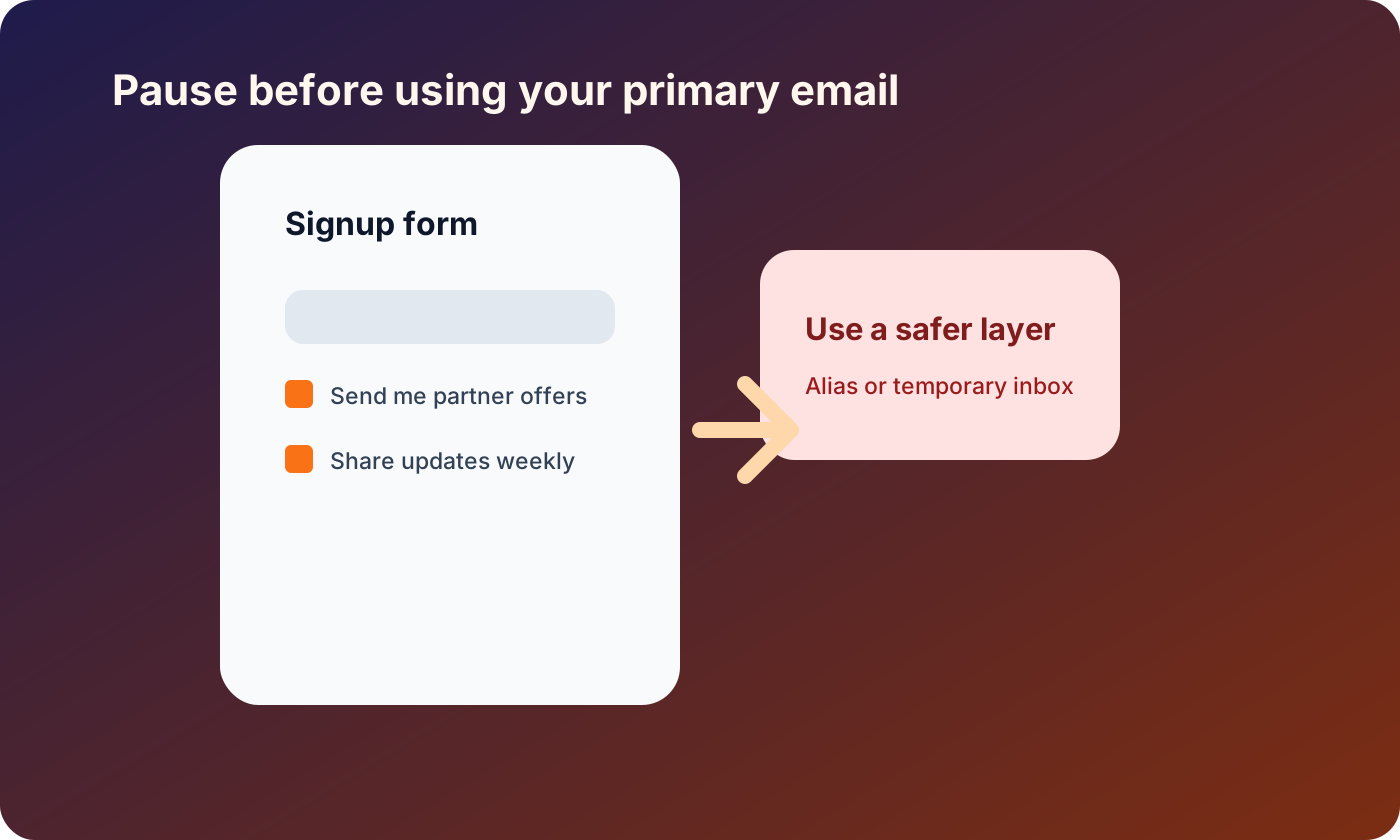
Use temporary email for low-risk one-time interactions
Temporary email can help when you only need a short-lived inbox for a low-risk task. It keeps your permanent address away from websites that do not need it.
Appropriate uses include:
- Testing your own website's email delivery
- Checking a product demo before deciding whether to sign up permanently
- Receiving a one-time confirmation for a low-stakes resource
- Separating promotional follow-up from your personal inbox
- Verifying that a signup flow works during development or QA
Temporary email should not be used for important accounts, payment-related services, identity checks, workplace tools, fraud, abuse, ban evasion, or any service where long-term recovery matters.
If a website has a legitimate reason to require a stable email address, use one. If the task is short-lived and low-risk, a temporary inbox can reduce unnecessary exposure.
For broader privacy habits, see our related guide: How to Protect Your Email Privacy in 2026.
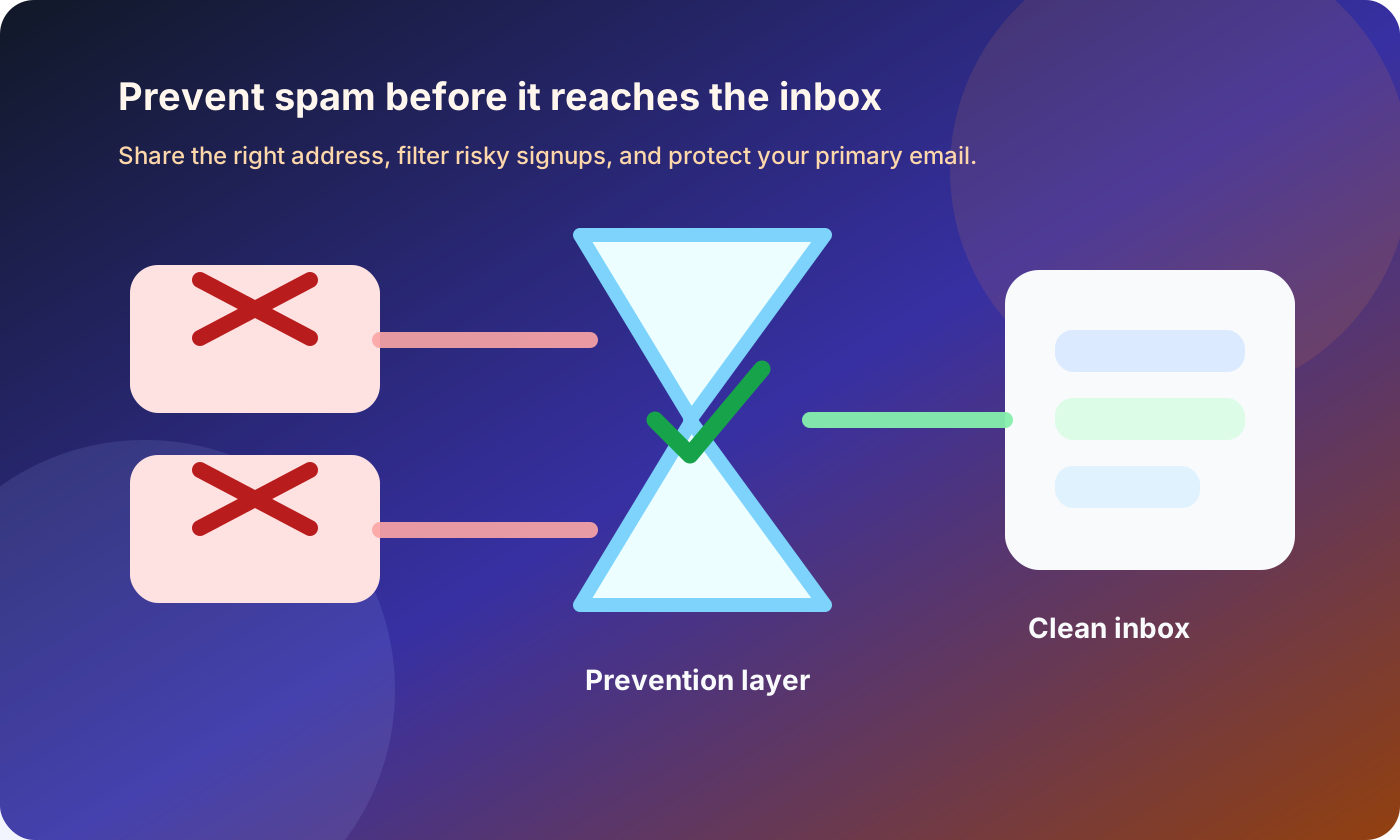
Create separate inboxes for different purposes
A single inbox for everything creates a single point of failure. When spam starts, it affects your important messages too.
A better structure is simple:
- Primary email for essential accounts
- Shopping email for stores, shipping updates, and receipts
- Newsletter email for media and product updates
- Alias or masked email for services you may keep using
- Temporary email for low-risk one-time interactions
This makes spam easier to contain. If your newsletter address becomes noisy, you can clean it up without disrupting your bank, work accounts, or password recovery inbox.
It also helps identify where spam came from. If a unique alias starts receiving unrelated promotions, you know which service likely shared or exposed it.
Be selective with unsubscribe links
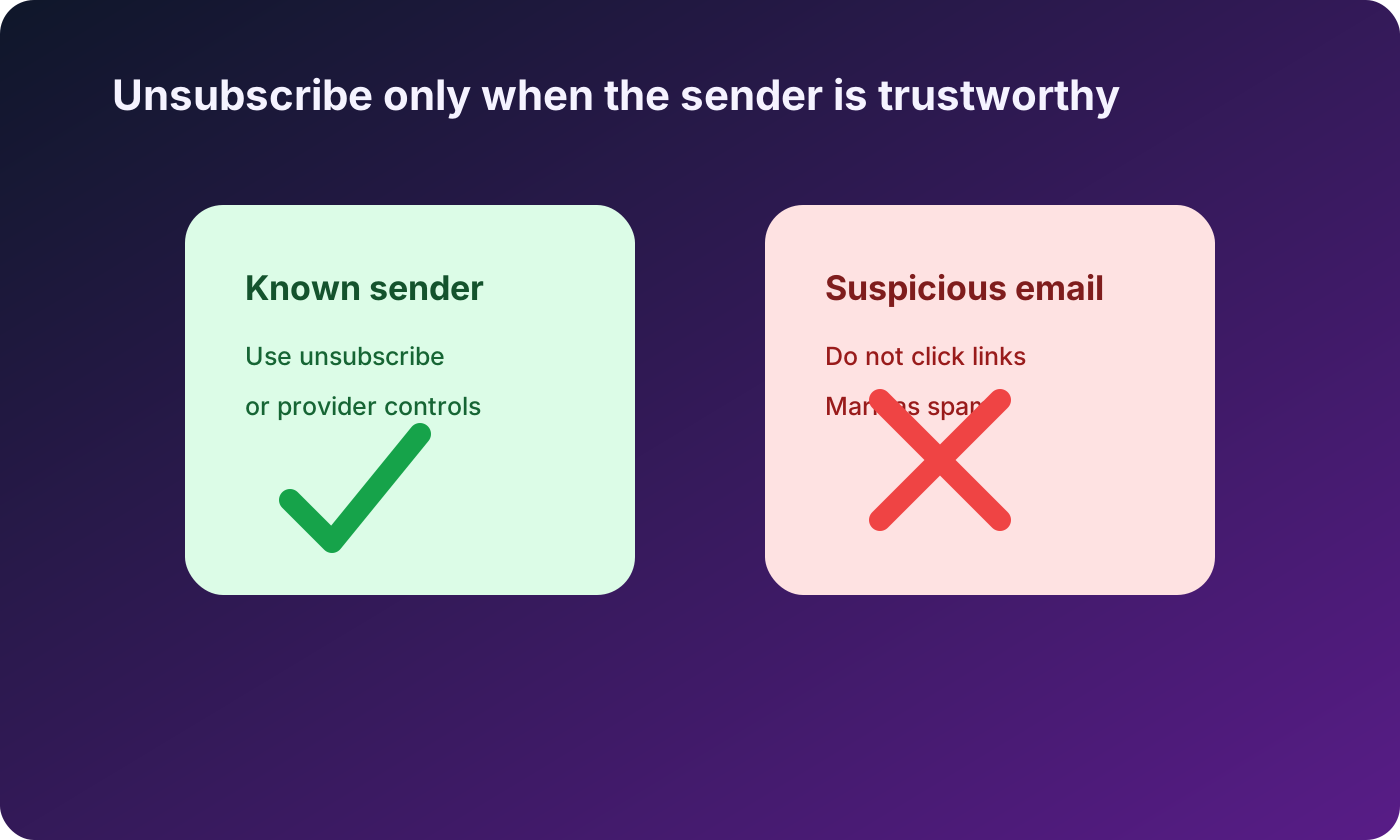
Unsubscribing is useful when the sender is legitimate. But clicking unsubscribe in a suspicious message can confirm that your address is active or send you to a harmful page.
A safer approach:
- Unsubscribe from companies you recognize and previously signed up for
- Avoid unsubscribe links in suspicious or clearly fraudulent messages
- Use your email provider's built-in unsubscribe button when available
- Mark obvious spam as spam instead of replying
- Never send a message asking a spammer to remove you
If the message appears to come from a real company but looks suspicious, go directly to that company's website instead of clicking email links.
Do not publish your email in plain text
If you run a website, community page, public profile, or small business landing page, publishing your email address in plain text can invite scraping. Automated bots scan pages and collect addresses for spam lists.
Use a contact form with spam protection, publish role-based addresses such as support@ or hello@ instead of personal inboxes, and keep personal emails out of public repositories, documentation, and test fixtures.
Strengthen your email account security
Spam and security are connected. If a spammer also gets access to your inbox, the damage becomes much worse. Your email account may contain password reset links, invoices, personal records, and account notifications.
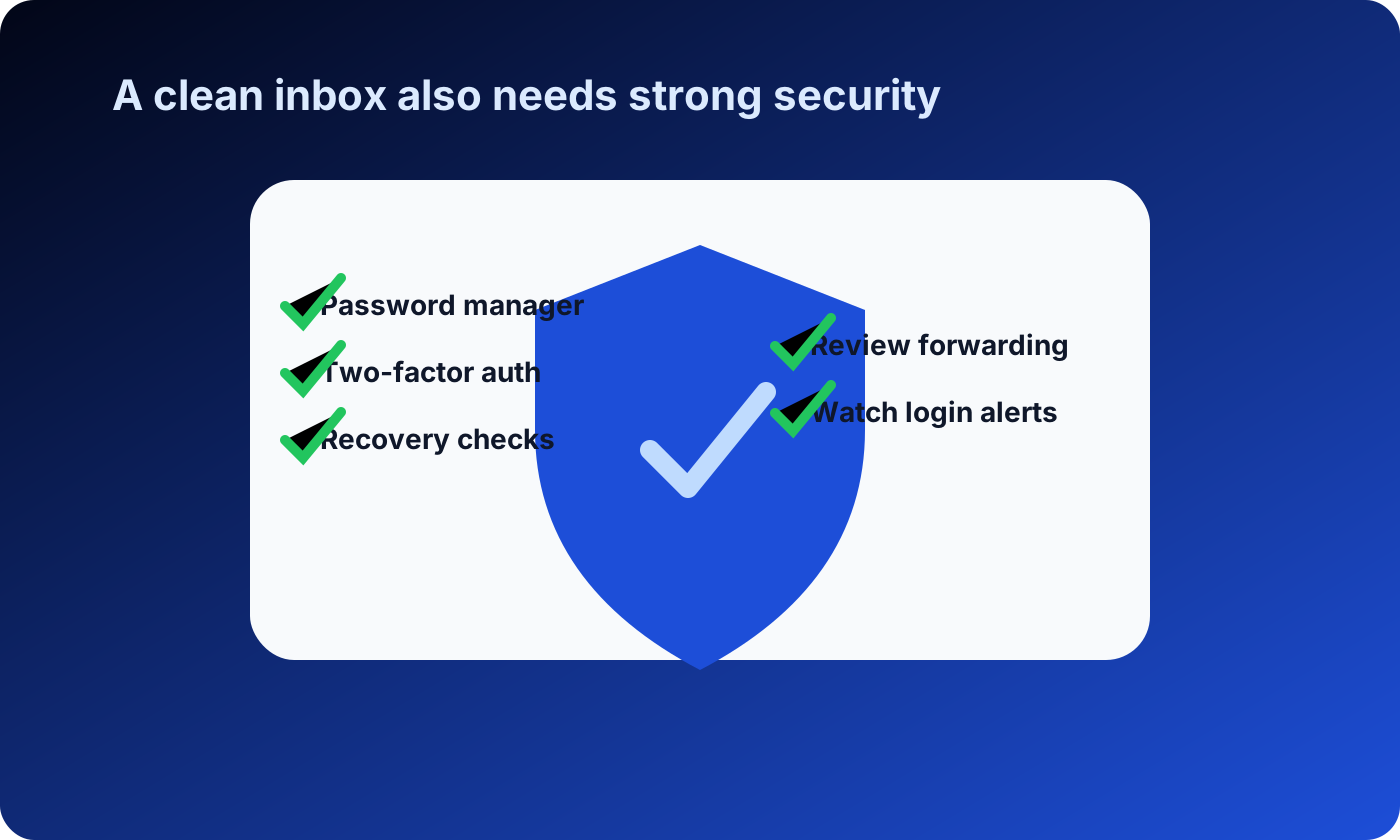
Basic security steps include:
- Use a unique, strong password
- Store passwords in a reputable password manager
- Enable two-factor authentication
- Review forwarding rules and connected apps
- Keep recovery information up to date
- Watch for login alerts from unfamiliar locations
A clean inbox is useful. A secure inbox is essential.
Use filters, but do not rely on filters alone
Email filters can reduce noise, but they are not a complete prevention strategy. They act after the message has already been sent to you. Use them to move newsletters, receipts, invoices, and low-priority notifications into separate folders. To reduce spam long term, combine filters with better signup habits and address separation.
Watch for spam disguised as normal business email
Modern spam is not always obvious. Some messages look like invoices, delivery updates, document shares, account warnings, or collaboration invites. Be careful with messages that create urgency, request login details, use lookalike domains, include unexpected attachments, or offer unrealistic rewards. When in doubt, open the service directly from your browser or password manager.
Make better signup decisions
Before you submit an email address, ask a few quick questions:
- Do I trust this website?
- Do I need this account later?
- Will I need receipts, support, or password recovery?
- Is this just a one-time resource or test?
- Is the site asking for more information than necessary?
If the website is important, use a stable inbox. If it is low-risk and temporary, avoid exposing your primary address. This is where temporary email, aliases, and separate inboxes can help.
A good spam prevention strategy is not about never sharing your email. It is about sharing the right address for the right purpose.
What to do if spam is already a problem
If your inbox is already receiving too much spam, mark unwanted messages as spam, unsubscribe only from legitimate senders, block suspicious senders without engaging, move newsletters into separate folders, and start using aliases or temporary inboxes for future low-risk signups.
You may not be able to stop every unwanted message immediately, but you can prevent the problem from getting worse.
Responsible use matters
Tools that protect privacy can be misused. Temporary email is not meant for fraud, harassment, impersonation, spam, abusing promotions, evading bans, or bypassing rules. Use it to keep your inbox cleaner, not to create problems for other people or services.
FAQ
Can I completely stop spam emails?
Probably not completely, but you can reduce them significantly. The best results come from limiting where you share your primary email, using separate addresses, strengthening account security, and marking unwanted messages correctly.
Is it safe to click unsubscribe?
It is usually safe for companies you recognize and intentionally subscribed to. For suspicious messages, avoid the link and mark the email as spam instead. Clicking unknown unsubscribe links can confirm that your address is active or lead to unsafe pages.
Does temporary email stop spam?
Temporary email can prevent spam from reaching your primary inbox when used for low-risk, one-time interactions. It does not replace a permanent inbox for important accounts, purchases, identity-related services, or anything that requires account recovery.
Why do I get spam after signing up for legitimate websites?
Some websites send frequent promotions, share data with partners, suffer breaches, or use third-party tools with poor data practices. Using aliases or separate inboxes can help you identify and contain the source.
What is the best first step for reducing spam?
Stop using your primary email for every signup. Reserve it for important accounts, and use aliases, separate inboxes, or temporary email for lower-risk interactions.
Disclaimer
This article is for general education about spam prevention, email privacy, and online safety. Temporary email should be used responsibly for legitimate privacy protection and authorized testing. Do not use it for fraud, abuse, impersonation, evading rules, bypassing bans, or creating accounts that require long-term access, payments, or verified identity.